Documentation
Sep 26, 2025
5min read
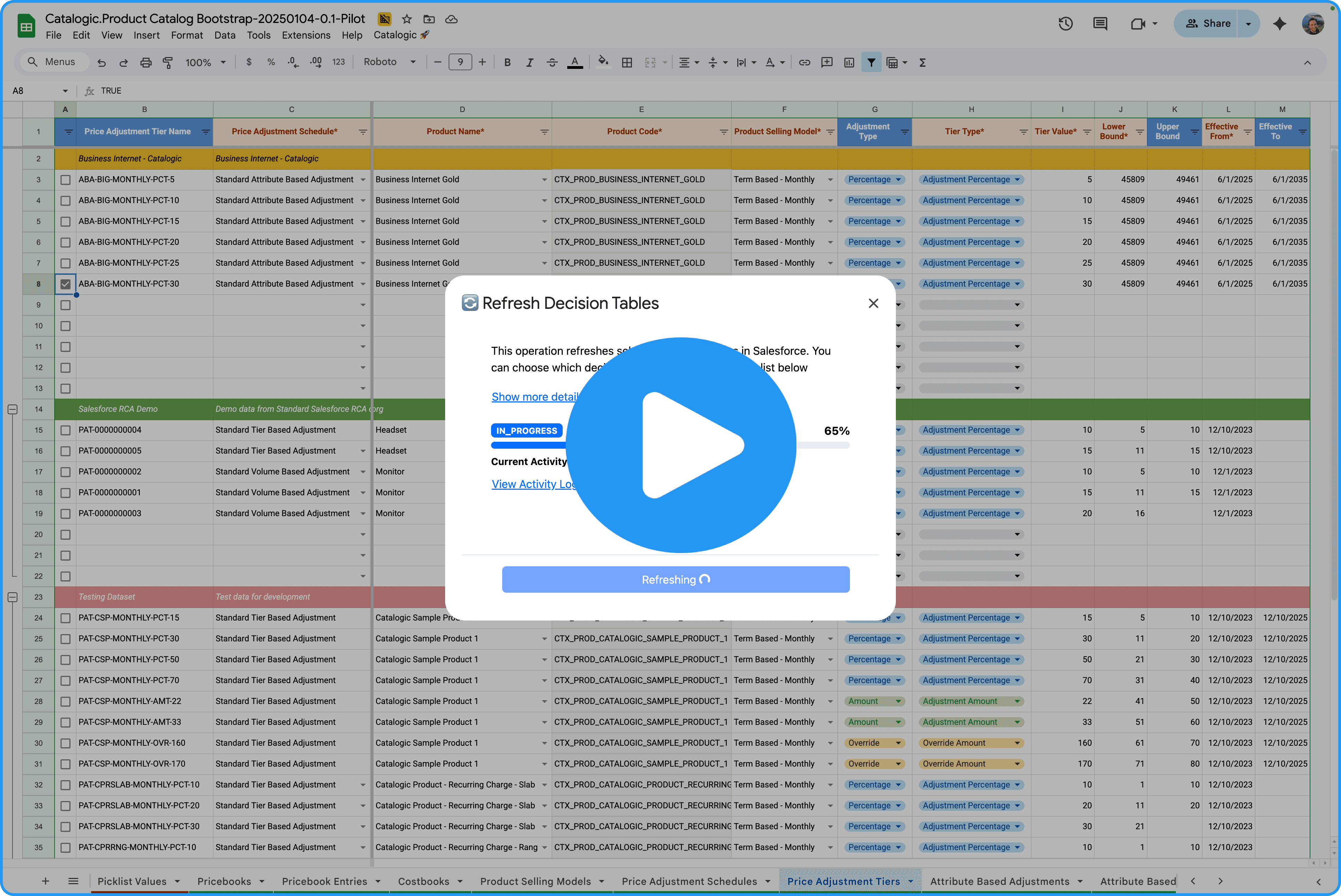
We just shipped a new capability to Catalogic that saves you time and sanity: Decision Table Refresh 🎉 Don’t want to read the email - go straight to the demo
If you’ve ever configured pricing in Salesforce Revenue Cloud only to realize you forgot to refresh the decision tables – and then hit the dreaded refresh request limit – this one’s for you 🫰 With this new feature, you can refresh individual decision tables directly from Catalogic – no jumping between tools, less rework, no (or at least less) rate limit frustration.
Here’s how it works:
View all relevant decision tables
Check when each table was last refreshed
Choose which tables to refresh – and whether to run a full or incremental refresh
Let Catalogic do the rest ✨
This makes it easy to test your latest pricing setup without delay and stay aligned with Salesforce Revenue Cloud’s pricing engine.
Next up? We’re exploring automated refresh after every price update 🤖
Try it out and let us know what you think!
👉 Curious? sign up for the pilot
How to Try It
To try these improvements:
Install the latest Catalogic packages
Get the updated client spreadsheet
Need help with getting started? Just reply to this email!
Want a Personal Walkthrough?
If you’d like a personal onboarding session or want to discuss your experience, just answer to this email and we will set up a 1:1 call.
Stay tuned for more enhancements - and thank you for being part of the Catalogic journey!