Documentation
Sep 26, 2025
5min read

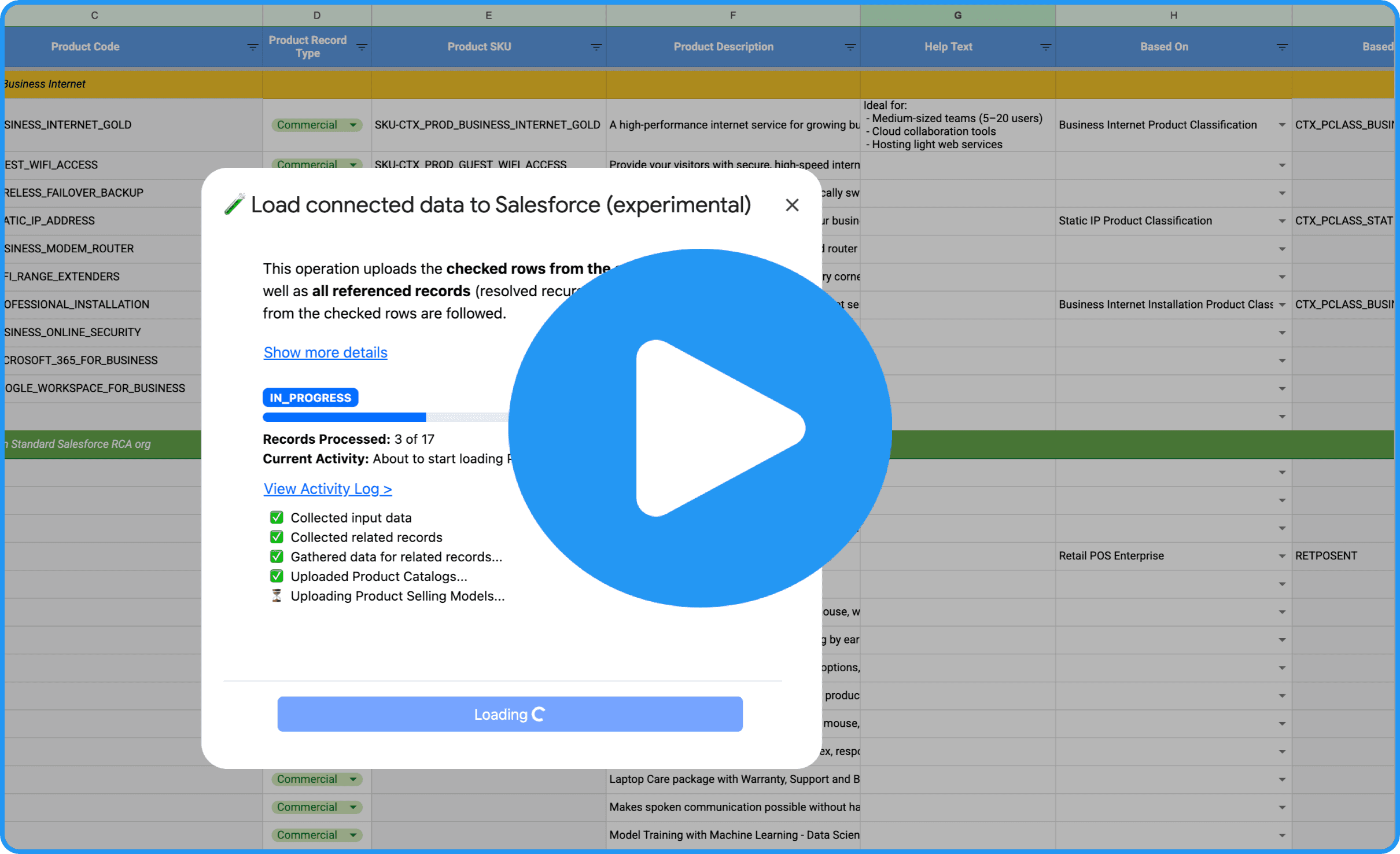
We’re excited to present a powerful new feature: automatic loading of connected (related) records with a single operation. That’s right!
Catalogic makes it easy to upload and manage large volumes of Salesforce records from a spreadsheet. But until now, you still had to keep one thing in mind - the sequence of loading related records. For example, product classifications had to go in before products, and attributes before assignments.
Now Catalogic handles this for you.
How It Works
When you check rows in your spreadsheet (e.g., Products), Catalogic will:
Analyze references from those rows (e.g., to Classifications, Selling Models)
Recursively find and include all related records
Upload them in the correct order, with a single click
No more manual prep. No more guesswork about what needs to go first.
Watch a demo: https://catalogic.storylane.io/share/73roibvtqt0j
How to Try It
To try these improvements:
Install the latest Catalogic packages
Get the updated client spreadsheet
Need help with getting started? Just reply to this email!
Want a Personal Walkthrough?
If you’d like a personal onboarding session or want to discuss your experience, just answer to this email and we will set up a 1:1 call.
Stay tuned for more enhancements - and thank you for being part of the Catalogic journey!